


Headset Button Controller play.google.com.headsetbutton
ඔබගේ හෙඩ්සෙට් (Headset) ඇති බොත්තම මත ක්ලික් කිරීමෙන්, , allowing you to play music, change tracks, adjust volume, answer phone calls, start Voice Command සහ තවත් බොහෝ දේ ඵකම යෙදුමකින්.
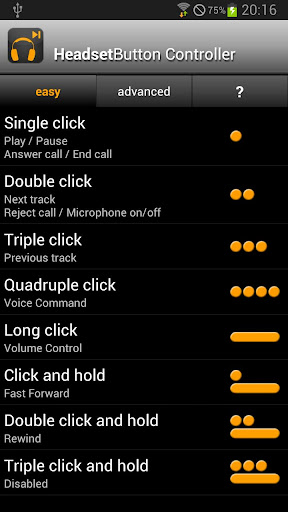
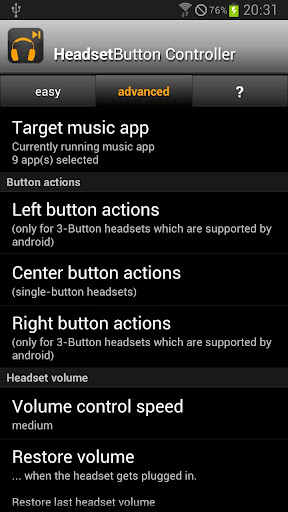
Default configuration for single-button headsets (center button for 3-button headsets):
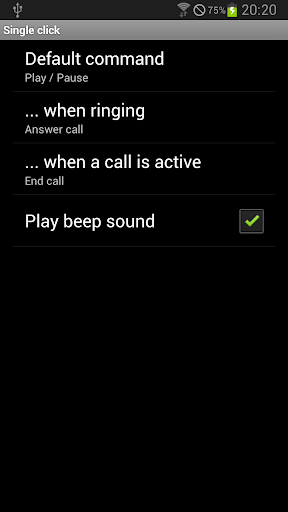
- Single press: play / pause (+ answer call / end call)
- Double press: next track (+ decline call / mute microphone)
- Triple press: previous track
- Quadruple press: previous track (2x)
- Long press: Volume control
- Press and hold: Fast forward [3]
- Double press and hold: Rewind [3]
- Triple press and hold: disabled
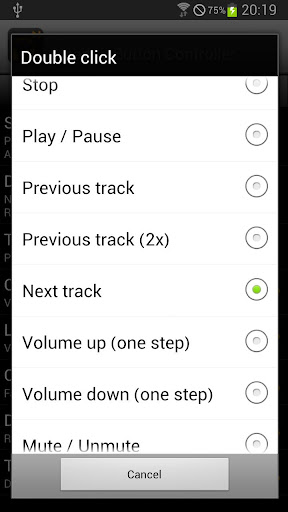
All of the above options are configurable to any of the following:
- Stop
- Play / pause
- Next track
- Previous track
- Previous track (twice)
- Mute / unmute
- Voice command
- Voice search
- Redial last number
- Say current time (Text-To-Speech required)
- Launch app
- Tasker task [1]
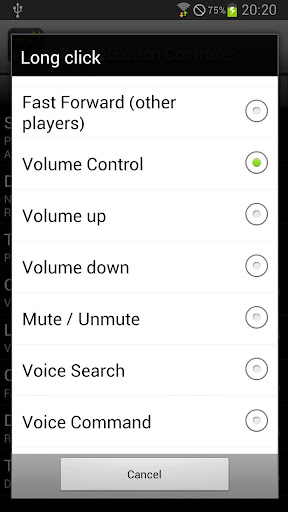
Additionally the long press options are configurable to any of the following:
- Volume control [2]
- Rewind [3]
- Fast forward [3]
නව සංස්කරණයෙහි වු වෙනස්කමි : (Updated : 4 June 2016)
- Pressy mode support for Marshmallow (Android 6)
- Notes:
- JellyBean/KitKat/Lollipop: The long press commands of the center button are reserved by Google Now and cannot be configured with this app.
- Headset Button Controller cannot support the separate volume control buttons on the iPhone headset - this is a limitation of the Android framework.
සහය දක්වනු ලබන ඇන්ඩ්රොයිඩි සංස්කරණ : 2.1+
Headset Button Controller v8.3 APK (350KB)



0 comments:
Post a Comment